
 Released in 2022
- Borrow against your crypto in the same app
- Anti-Scam Engine can pause risky withdrawals
- Nexo Card with no monthly or annual fee
Custody and trading in one app
Nexo Overview
- Crypto Wallet Name
- Nexo
- Release Date
- 2022
- Wallet Type
- Custodial app wallet
- Custodial Status
- Custodial
- Built-in Swaps
- Yes
- Open-source
- Closed-source
- Fiat On-ramp
- Yes
Additional details
- Supported Blockchains
- Bitcoin, Ethereum, Base, Polygon, BNB Smart Chain, Arbitrum, Optimism, Solana, Avalanche, Tron
- Token Standards
- ERC-20, BEP-20, TRC-20
- Platforms
- Web app, iOS, Android
- Hardware Wallet Support
- No
- Staking Support
- Limited
Nexo Screenshots
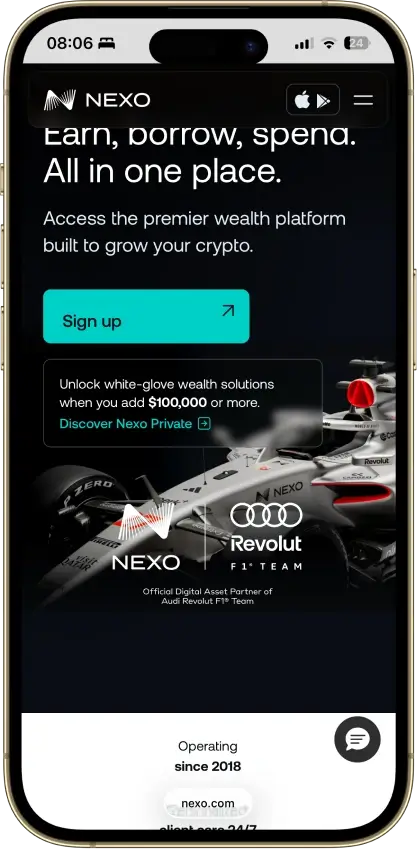
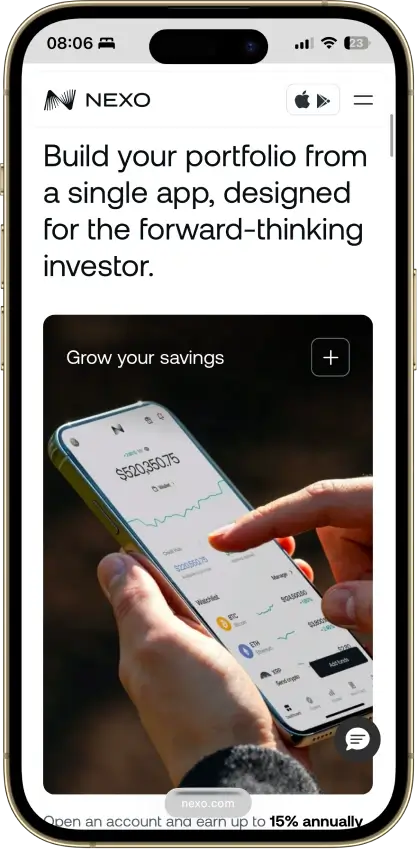
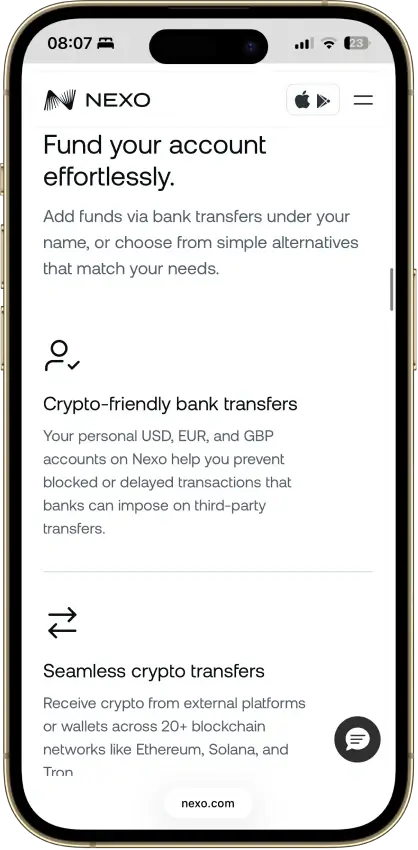
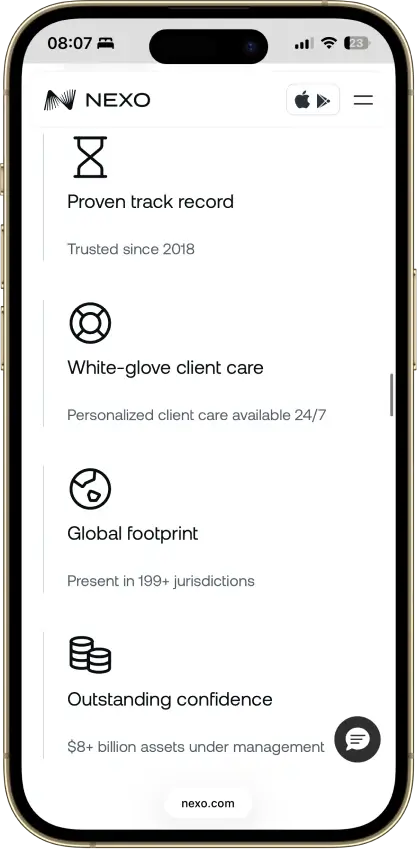
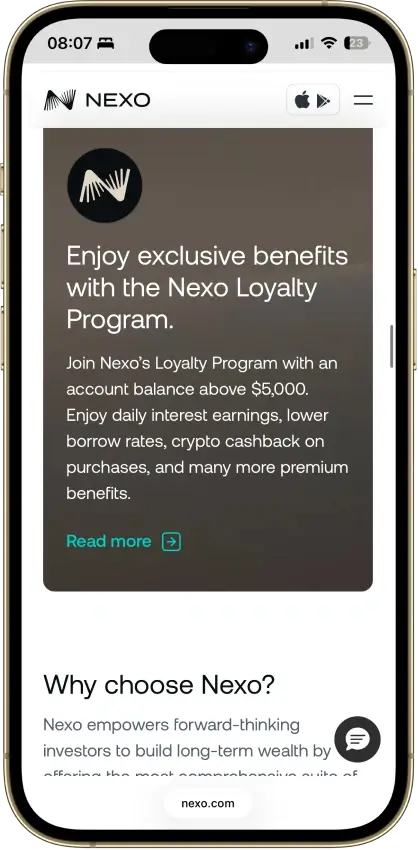
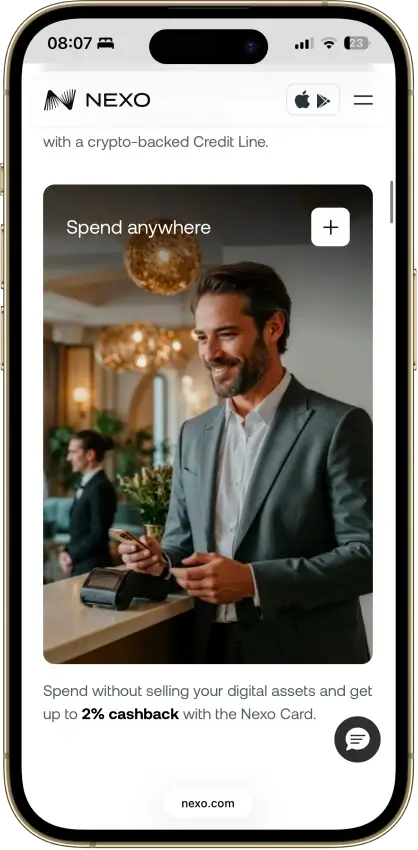
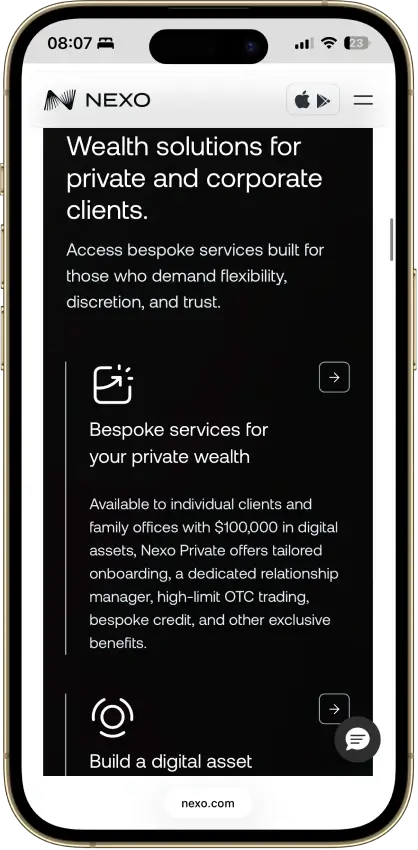

Screenshot 1 of 8
Nexo Pros and Cons
Pros
- Ten major networks for deposits and withdrawals
- Address whitelisting and anti-phishing code
- Recover access without a seed phrase
- SOC 2 Type 2 audits three years running
- Nexo Pro trading inside the same account
Cons
- No seed phrase or key export
- No WalletConnect or browser extension
- Swap spread is built into the quote
Who Nexo Is Best For and Who Should Skip It

Nexo suits people who prefer account recovery to managing a seed phrase. Its custodial account supports everyday portfolio management, with borrowing and spending services available in eligible markets. For offline protection of long-term holdings, compare a cold hardware wallet.
Users who need direct key ownership or hardware signing should choose another wallet. Nexo also lacks the direct dApp access needed for regular DeFi use. Full identity verification limits privacy. A hot wallet with dApp support can handle direct Web3 approvals. In a self-custodial wallet, recovery follows the wallet’s backup method instead of Nexo’s account process.
What Is Nexo and How Does It Work?
Nexo is a centralized crypto account accessed through a browser or mobile app. After identity verification, users can fund the account and trade supported assets. Borrowing and spending features depend on eligibility.
Nexo and its custody partners hold the keys. Account actions use verification checks, including email or SMS confirmation. Authenticator codes and biometrics can add protection, with withdrawal controls governing transfers. Users approve requests within Nexo’s system.
The separate, non-custodial Nexo Web3 Wallet has been limited to crypto and NFT withdrawals and Earn exits since August 15, 2025, according to its sunset notice. This review covers the current account at nexo.com. For US users, Bakkt supplies custody and trading infrastructure. State eligibility and product restrictions still apply, and the Nexo Card is unavailable in the US.
Wallet Type, Custody, and Recovery Model
Nexo controls custody for assets held in the account. Users sign in and pass verification checks to access their balances. Recovery depends on those credentials and Nexo’s support process.
Users can withdraw supported assets to an external address. They cannot export a seed phrase or private keys for the main account and restore it in another wallet. Moving to self-custody requires an on-chain withdrawal to a wallet they control.
Supported Assets, Networks and Compatibility

Nexo supports Bitcoin and Ethereum, along with BNB Smart Chain. Other listed networks include Polygon and Arbitrum. Optimism, Base and Avalanche are also available, as are Solana and Tron. Support depends on the asset and transfer route.
A coin listed for trading may have fewer deposit or withdrawal networks. Check the token and network together before sending funds, and confirm that the intended route is enabled in your account.
The main account works through web and mobile interfaces. It has no browser-extension signing flow or hardware-wallet pairing. Seed import and export are unavailable.
Nexo provides account-based access to supported assets. Users who need custom tokens or direct Web3 connections should check a self-custody alternative.
Core Features and Real-World Use Cases
Nexo integrates exchange tools with savings products and crypto-backed borrowing. The Nexo Card adds spending in eligible markets. These services depend on the same custodial account and have separate eligibility rules. Direct DeFi connections and NFT tools are outside the main account’s purpose.
| Feature area | What users can do | How it works in practice | Key limitations, costs, or risks |
|---|---|---|---|
| Swaps and trading | Swap assets, make instant conversions, and use advanced trading tools | Nexo Exchange offers instant orders, limit and trigger orders, smart routing, and futures in supported regions | Spreads, trading fees, futures risk, and regional limits |
| Bridging | No native bridging | Users must use Nexo’s supported deposit and withdrawal networks or bridge elsewhere first | Extra steps, fees, delays, unsupported-network risk |
| Staking and earn | Earn yield on supported assets | Yield is custodial and account-based through Savings and products like Dual Investment | Counterparty risk, changing rates, lockups, and regional limits |
| dApp access and connectivity | Limited dApp use | Built for web and mobile account access, not extensions or WalletConnect | Direct DeFi signing requires a separate wallet |
| Exchange and account features | Buy, sell, top up, withdraw, and manage balances | Exchange, ramps, and account tools sit under one login | Full KYC, regional limits, partner-dependent rails |
| Card, borrowing, and spending | Borrow against crypto and use the Nexo Card | The credit line uses crypto collateral, and card spending runs through the same account | Interest, liquidation risk, card limits, regional availability |
Using several Nexo products keeps activity under one login, but each has its own fees and terms. Withdrawals depend on the provider’s controls. Users seeking direct on-chain signing need a separate wallet.
Fees and Total Cost of Ownership
The main Nexo account has no hardware purchase price or required subscription. Costs depend on the funding route and trading interface. Withdrawal charges depend on the transfer network. Compare the full quote before confirming, especially when a payment provider processes a card purchase.
| Cost component | What users pay | When it applies | Notes |
|---|---|---|---|
| Device or wallet price | Free to open | One-time or recurring | No device purchase, account opening fee, or required subscription for the main custodial wallet account |
| Shipping and import costs | N/A | Hardware orders | Not relevant here because Nexo is not a hardware wallet |
| Network fees | Variable | On-chain withdrawals and any off-platform blockchain movement | Chain dependent. Nexo advertises free withdrawals on selected routes, but exact cost still depends on the asset, network, and available fee allowance |
| Swap spread or routing fee | Variable. Embedded in the standard Exchange quote. Nexo Pro has separate volume-tiered maker-taker fees | Swaps and trades | The standard in-app conversion flow does not present a simple flat public fee on the main product pages. Nexo Pro uses a separate trading-fee schedule tied to 30-day volume |
| On-ramp fee | Variable | Buying crypto by card, Apple Pay, Google Pay, or local payment methods | Payment-method and region dependent. The exact processing fee is shown before you confirm the purchase |
| Withdrawal fee | Variable | Crypto withdrawals, bank withdrawals, and some card-linked cash access | Some routes are free or partly covered through Nexo’s network and loyalty structure. Once free allowances are exhausted, users may need to cover the network fee or other partner costs |
| Subscription or premium fee | None for the standard account | Monthly or yearly | Nexo does not market the core wallet account as a paid subscription product. The Nexo Card also has no monthly, annual, or inactivity fee |
The standard exchange embeds costs in its quote. Nexo Pro has a separate fee schedule, so compare the amount received for the same trade. Payment-method charges and withdrawal fees can add to that cost. Card purchases and card-linked cash access have their own conditions.
Security Architecture and Trust
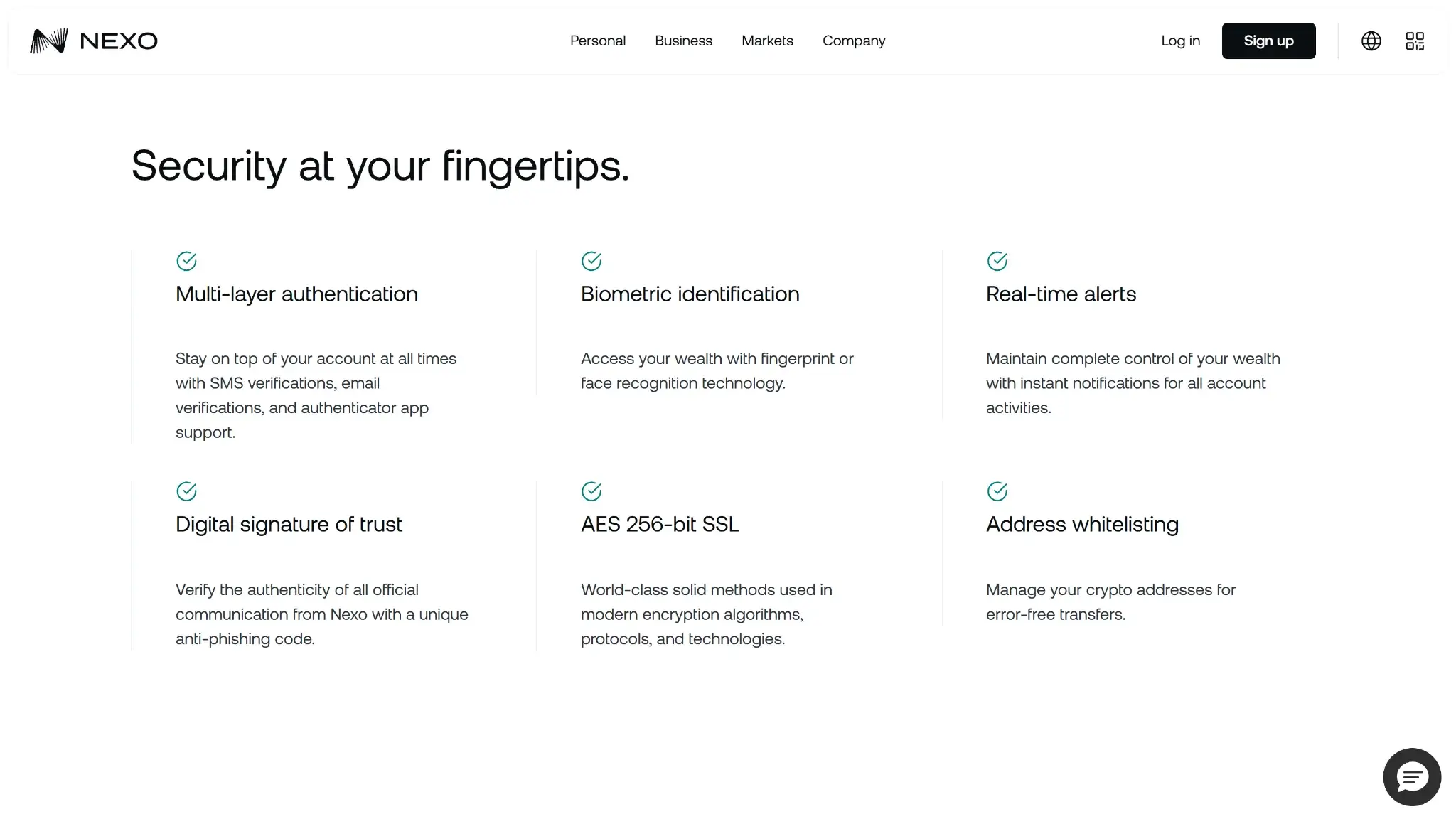
Nexo’s custody partners and account controls determine how assets are protected. Users rely on the provider to secure keys and process withdrawals. Certifications describe specific audited controls and their scope.
The main account provides no seed phrase or private-key export. Nexo names Ledger Vault and Fireblocks among its infrastructure partners, alongside custody and insurance providers. US custody and trading use Bakkt infrastructure. Any secure-element or MPC protection operates within that provider system.
Account approvals can use email or SMS checks. Authenticator support and biometrics add verification options, while withdrawal controls restrict transfers. These checks authorize account actions rather than signing with keys held on the user’s device.
Nexo says it has completed SOC 2 Type 2 audits for three consecutive years. It also lists SOC 3 Type 2 and multiple ISO standards, plus CSA STAR Level 1 and CCSS Level 3. Address whitelisting and anti-phishing codes help users secure accounts. Its default-on Anti-Scam Engine can flag or pause withdrawals.
Nexo’s public vulnerability-disclosure policy accepts reports through Intigriti and describes conditional safe harbor. That policy does not state a payment schedule. The product is closed-source, so external audits cannot be supplemented with a full public code review. Nexo’s public status page records maintenance and service notices, but custody still depends on Nexo and its partners.
Backup, Recovery and Loss Scenarios
Nexo support may help users recover access after a lost phone or forgotten password, subject to verification. The account has no user-held recovery phrase. Keeping access to the registered email and verification methods is therefore central to recovery.
| Scenario | What usually happens | Can support help? | Where loss becomes serious |
|---|---|---|---|
| Lost phone | Losing the phone alone does not remove account access. You can usually log in on another device and go through normal security checks. | Yes, if extra verification is needed. | It becomes harder if the lost phone was tied to your only 2FA method and you no longer control your email or other login path. |
| Broken or replaced device | Reinstalling the app or switching to web access is usually enough once your account credentials still work. | Yes, if the device change triggers extra checks. | The issue is less about the hardware and more about whether you still control the account credentials and verification methods. |
| Forgotten password | Password reset is part of the normal account-recovery path. | Yes. | Recovery can stall if you also lose access to the registered email or fail additional security checks. |
| Lost 2FA method | Nexo may be able to help disable or reset 2FA after manual review. | Yes, but expect identity checks and some friction. | This becomes a serious lockout if you also cannot access your email or other verification channels. |
| Lost seed phrase | Not applicable for the main Nexo account wallet because there is no user seed phrase. | Not applicable. | Recovery depends on the provider. There is no user-held backup phrase. |
| Lost access to email or core recovery route | You may need manual recovery through Nexo support rather than a simple self-service reset. | Sometimes, subject to verification. | If you cannot prove account ownership to Nexo, access can be delayed or, in the worst case, remain unavailable. |
| Cloud restore or synced recovery | There is no wallet-native cloud restore model like a synced self-custody backup. The account is restored by signing back in. | Yes, for account-access issues. | Convenience is higher than with seed storage, but independence is lower because recovery stays tied to Nexo’s systems. |
A replacement device usually permits another login. Losing the registered email or the only 2FA method creates a harder recovery case. Nexo must be able to verify account ownership before restoring access.
UX, Performance and Platform Support
Nexo removes the need to store a seed phrase or approve transactions with a hardware signer. The app organizes funding and exchange activity around an account balance. Eligible users can also access borrowing and spending services. Advanced users have less control over on-chain signing because the platform submits transactions through its custody system.
| Platform | Availability | Notes |
|---|---|---|
| iOS | Yes | Native app access is available, though Nexo also offers a TestFlight route if the local App Store version is not available. |
| Android | Yes | Native app access is available, and Nexo also offers a direct APK route if Google Play access is limited in a user’s region. |
| Browser extension | No | No extension-based wallet flow for the main custodial account. |
| Desktop | No | No dedicated desktop wallet app for the main account. |
| Web app | Yes | Full account access through the browser is central to the product experience. |
The browser and mobile apps serve the same account model. Users see account approvals rather than the raw transaction-signing flow of a self-custody wallet. Regional store restrictions can require TestFlight or a direct Android download. These distribution routes add setup steps and should be obtained through Nexo’s official instructions.
Customer Support, Documentation and Incident Handling
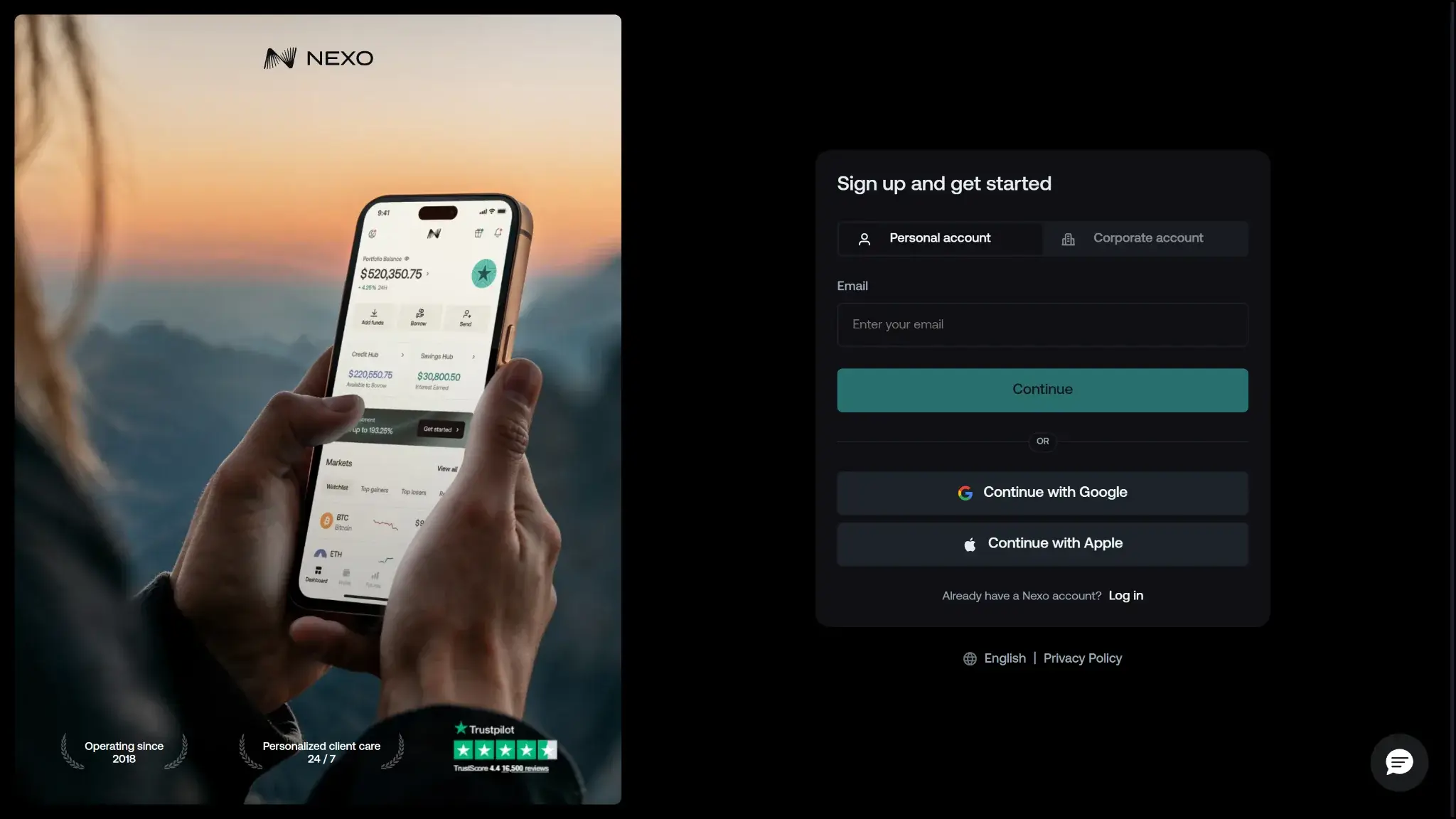
Nexo’s Help Center explains account procedures and product rules. Its Status Center records service interruptions and maintenance. Public pages do not establish a response-time commitment for every support channel.
| Channel | Availability | Typical use | Notes |
|---|---|---|---|
| Help center | Always available | Docs, setup, troubleshooting | The Help Center explains account setup and product procedures. |
| Live chat | 24/7, according to Nexo | Urgent support | Nexo advertises chat and email support seven days a week. This is an availability claim, not a guaranteed response time. |
| Email or tickets | Yes | Account or technical issues | Nexo links to a Contacts page through the support center. Public response windows were not disclosed on the site pages checked. |
| Status page | Yes | Outages and incidents | The Status Center lists maintenance notices and service updates. Check it before opening a ticket. |
| Community channels | X, YouTube, Instagram | Announcements or broad updates | Official social channels are linked from Nexo’s site, but they are not a substitute for account-specific support. |
Support can investigate access problems or verification delays. It can also help with account transfers and eligible card services. It cannot provide private keys or remove required compliance checks. The public status page and vulnerability disclosure process provide additional information about operations, although they do not establish a public bug-bounty program.
Alternative Wallets Like Nexo
-
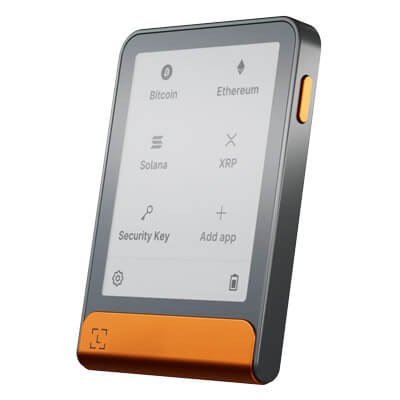

Ledger Flex
Ledger Flex offers touchscreen approval and mobile Bluetooth, with USB-C charging. Its included Recovery Key backs up the recovery phrase, not an extra passphrase. Signing coverage varies by app.
-

MetaMask
MetaMask combines EVM dApp access with native Bitcoin, Solana and TRON accounts. It offers hardware connections and optional linked-login recovery, with a 0.875% wallet swap fee.
-

Trust Wallet
Trust Wallet combines multichain accounts with optional cloud backup and a separate SWIFT passkey wallet. Classic and SWIFT recovery differ, and the September network changes require checking continued access for affected assets.
-

Phantom
Phantom combines multichain transfers, swaps and SOL staking. Local phrase accounts sign on your device, new Google/Apple accounts use remote signing, and compatible Ledger accounts sign on hardware.
- Ledger Flex provides hardware signing for users who want to hold their own keys. Its on-device approval screen supports long-term storage.
- MetaMask connects directly to Ethereum and other supported Web3 networks. Its browser extension gives users control over signing and dApp approvals.
- Trust Wallet supports self-custody across many networks. Mobile and extension access are available, and basic wallet use does not require wallet-level KYC.
- Phantom supports Solana and other listed chains. It includes NFT tools and direct on-chain activity.
Nexo combines custody with financial services in one account. Choose it only if those account features justify relying on the provider for asset access.
Crypto Wallets Pillar Scores
- Custody and key security 30% weight Who can authorize spending, protection of keys and signing, and independent access to every reviewed account type.7.5 / 10
- Security validation and track record 25% weight Independent security assessments, their coverage and findings, plus updates and the handling of known incidents.6.5 / 10
- Transaction safety and signing 20% weight Transaction details, signing warnings, scam checks, permission controls and the handling of unreadable requests.8.5 / 10
- Backup and recovery 10% weight Repeatable backup checks, complete restoration, recovery dependencies, costs and resilience after backup loss.8.0 / 10
- Usability, privacy and costs 10% weight Setup and everyday tasks, accessibility, support guides, data-sharing choices and device, service and transaction costs.7.0 / 10
- Assets, networks and compatibility 5% weight Asset and network support, devices, companion apps and connections needed for the uses covered in the review.9.0 / 10
Final Verdict
Nexo suits users who want to manage crypto through a verified account and recover access through support. The account includes exchange and savings products, plus crypto-backed borrowing. Card-linked spending is available in eligible markets, excluding the US. Nexo and its partners control custody, so users depend on the platform for withdrawals and continued access. Check the exact transfer network before depositing. US customers should also confirm state eligibility and which account products are available.

Best For
Holders who want custody handled for them, with no seed phrase to keep.
Avoid If
- You collect NFTs and want them in your wallet.
CryptoSlate may earn a commission when you use partner links, at no extra cost to you. Our reviews, ratings, and editorial decisions remain independent of advertisers. Read How CryptoSlate Makes Money for funding details.