



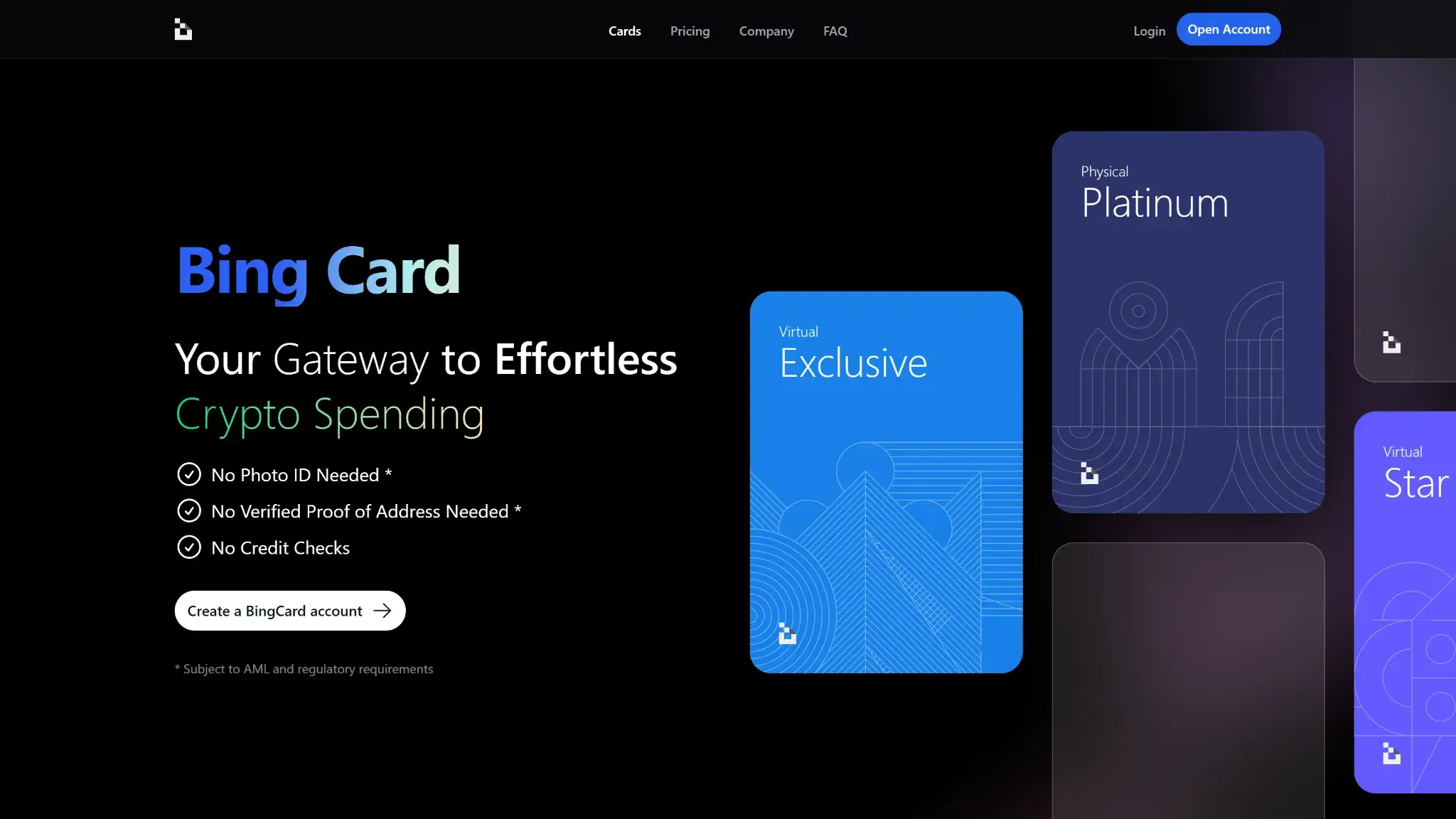
- Virtual tier needs no photo ID to open
- Physical card ships from Hong Kong in HKD
- Converts once at top-up, never at checkout
Bing Card Overview
- Crypto Card Name
- Bing Card
- Card Type
- Prepaid
- Network
- VisaMastercard
- Issuer
- Queensland Foreign Exchange, Inc. (Canada) and Second February Limited (Seychelles)
Additional details
- Availability
- US citizens, permanent residents, and US-incorporated entities are barred.
- Rewards
- No Rewards.
- Fees
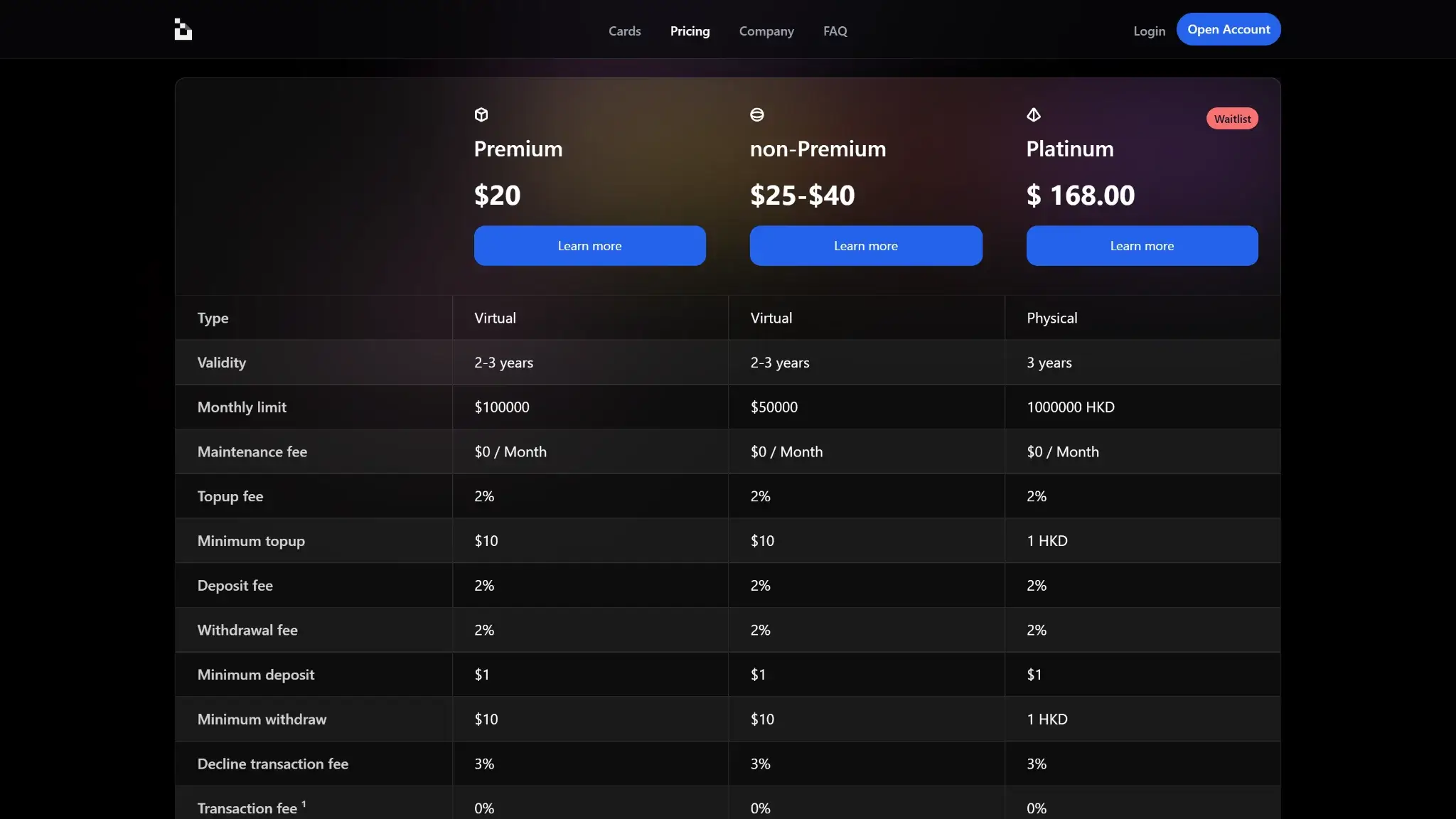
- Exclusive/Star/Platinum monthly fee: $1 / $0 / $0; card issuance: $25 / $40 / $168; FX fee: 1%–1.5% (+ $0.45–$0.50 minimum in some cases); ATM/withdrawal: ~2%–2.5%; top-up fee: 1%–2%.
- Daily Spend / ATM Limit
- Monthly spending limits are $100,000 for Exclusive, $200,000 for Star, and 1,000,000 HKD for Platinum
- Funding Source
- Onchain Wallet, Bank Transfer, Debit Card Top-Up, Credit Card Top-Up
- Virtual Card & Shipping
- Instant virtual card; up to 25 business days for physical card delivery
Bing Card Screenshots
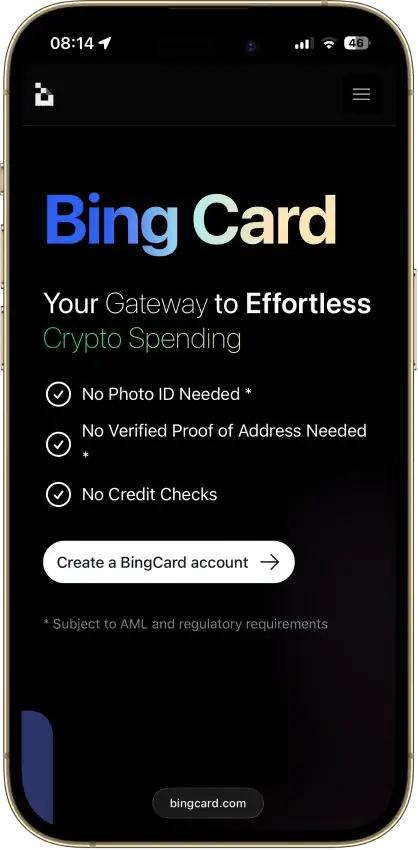
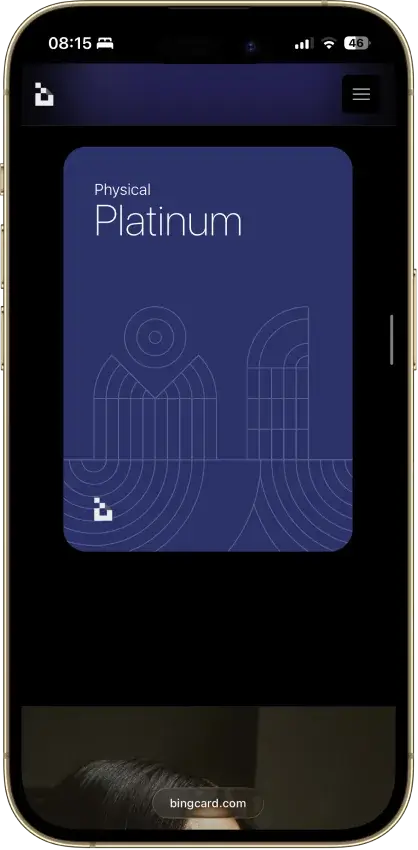
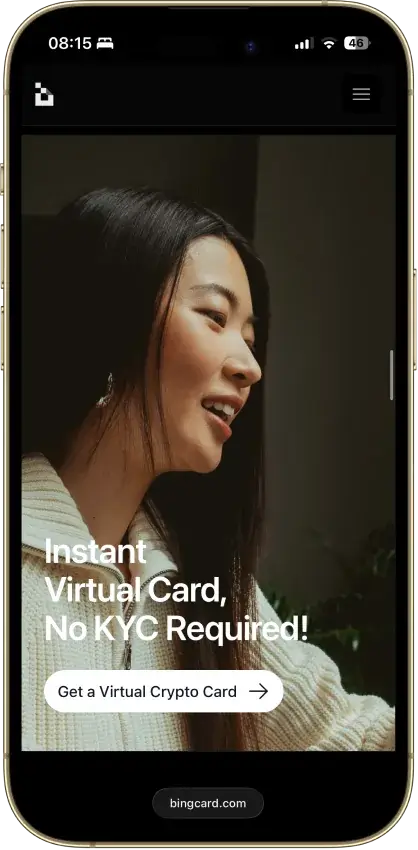

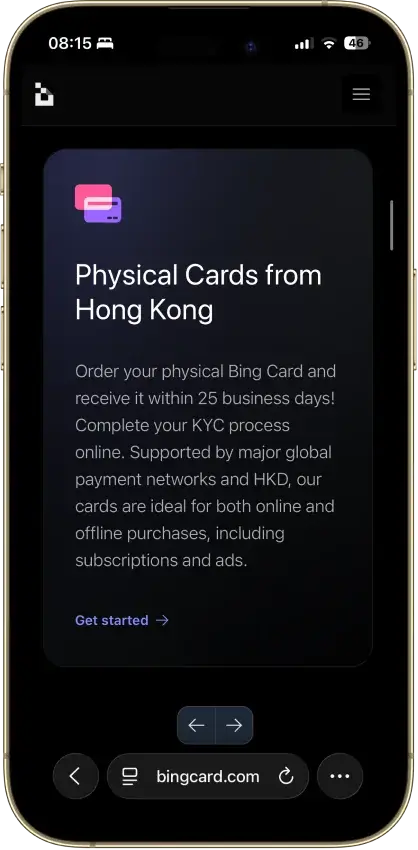
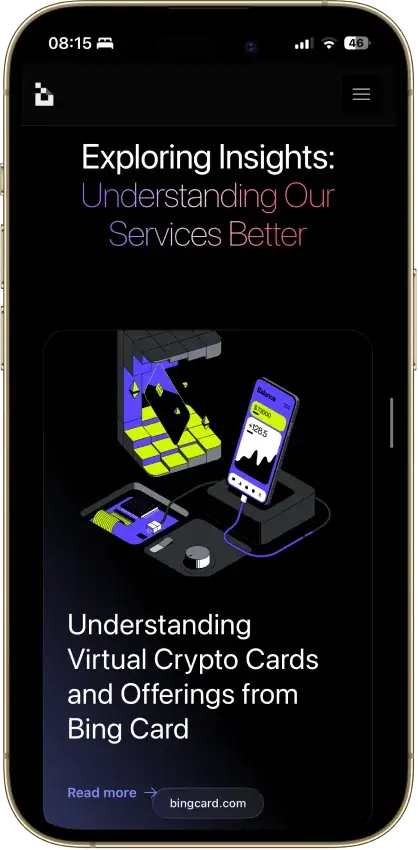
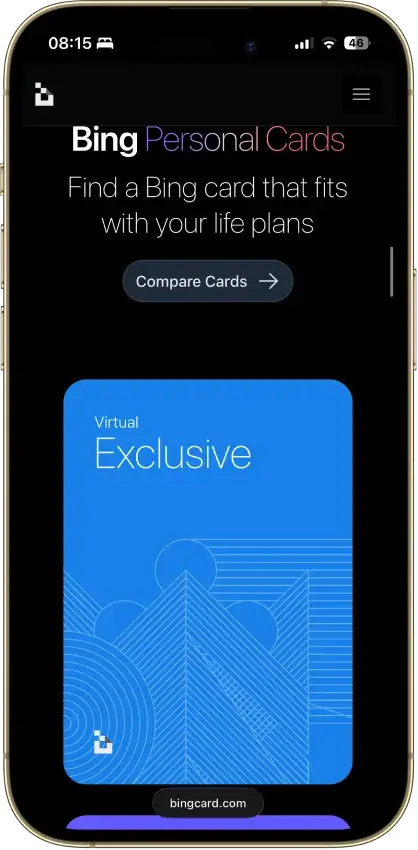

Screenshot 1 of 8
Bing Card Pros and Cons
Pros
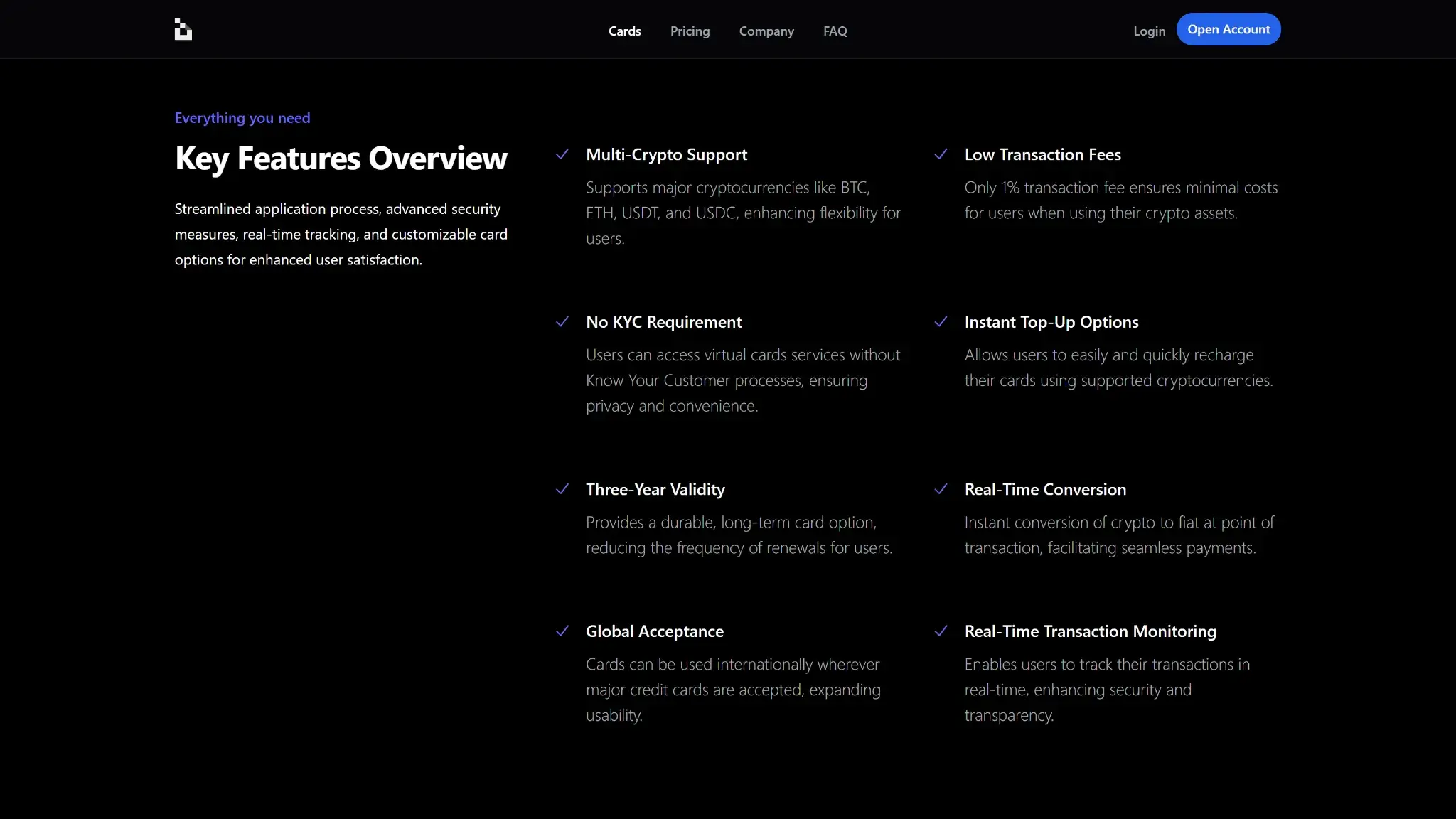
- Virtual card issues in about five minutes
- No monthly fee on Star or Platinum
- Stablecoin loads avoid a conversion spread
- High monthly spending limits on every tier
- Loads from BTC, ETH, USDT or USDC
Cons
- Reported frozen funds and stuck withdrawals
- No issuing bank, license number or network listed
- No rewards on any tier
- Apple Pay and Google Pay not live
- Every top-up carries a 1% fee, stablecoins too
What This Card Actually Is and How Spending Works
BingCard converts deposits into a prepaid balance through the following process.
- Recharge with BTC, ETH, USDT, or USDC via on-chain transfer, bank transfer, or a debit/credit card top-up.
- BingCard converts the crypto into a custodial account balance at the moment of deposit, at an advertised 0% conversion fee.
- Spend from that balance wherever the card's network is accepted. BingCard does not identify the network.
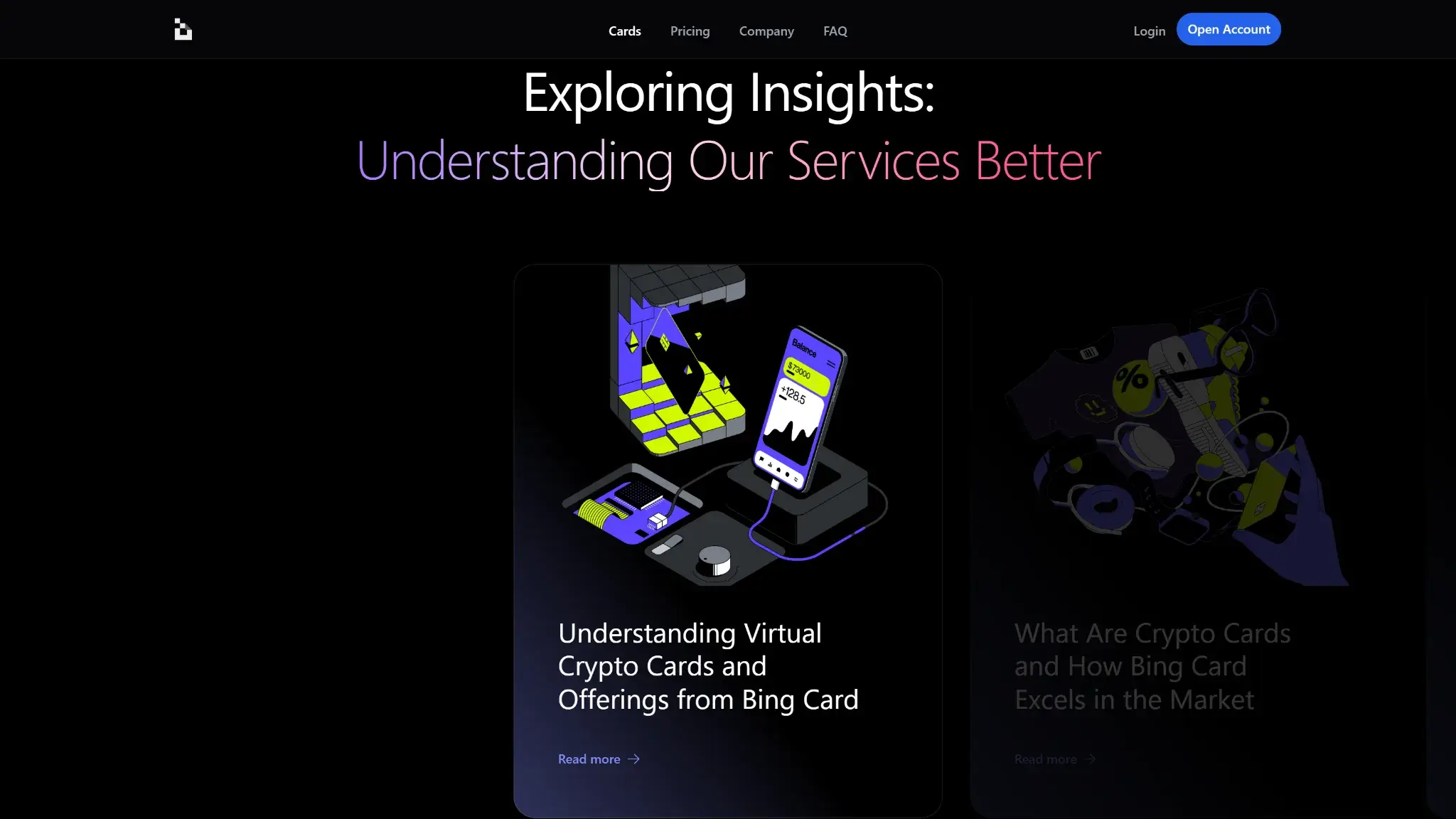
Conversion takes place when the card is loaded. Subsequent purchases spend the converted balance. Stablecoin loads (USDT, USDC) convert without a spread, while BTC and ETH loads are sold into the balance at deposit.
The Exclusive virtual card's official page lists $25 issuance and a $1 monthly fee. It requires no photo ID or proof of address, subject to AML screening. The Platinum physical card costs $168 one-time, has no monthly fee, and requires full online KYC. The Star virtual card also has an official product page, which lists $40 issuance and no monthly fee.
Who Bing Card Is Best For — And Who Should Skip It
Users who want a disposable virtual card for a single small online payment, without photo ID, are the one group BingCard plausibly serves, and even they should load the minimum and spend it immediately. The card does not suit anyone holding a balance, anyone spending daily, or travelers, since ATM terms are not disclosed and mobile wallets are not live. US persons cannot apply at all.
Rewards
BingCard pays no cashback or points on its Exclusive, Star or Platinum tiers. There are no purchase perks to offset the card's fees.
Fees and Pricing
BingCard charges issuance up front on every tier and adds per-transaction costs on top.
| Fee | Exclusive (virtual) | Star | Platinum (physical) |
|---|---|---|---|
| Issuance | $25 | $40 | $168 one-time |
| Monthly | $1 | $0 | $0 |
| Top-up / deposit | 1% | 1% | 1% |
| Cross-border | 1% (min $0.45) | Not disclosed | 1.5% (min $0.45) |
| Crypto conversion | 0% | 0% | 0% |
The 0% conversion figure comes from BingCard's official tier pages, which also state 0% on unsuccessful transactions. The official Exclusive and Platinum pages separately state that deposits “incur a 1% fee.” That charge applies to top-ups including USDT and USDC, alongside the 0% conversion line. ATM withdrawal fees of about 2 to 2.5% circulate on third-party sites but appear nowhere on the official fee pages, and the FAQs do not address ATM costs at all. Treat ATM pricing as Not disclosed until it surfaces on a primary page.
BingCard describes fees for “non-U.S. regions” and conversion to USD even though its terms exclude US persons. For any eligible reader, the cross-border fee lands on most everyday spend outside the card's HKD/USD base currencies, so read 1 to 1.5% as a potential routine spending cost.
With no rewards anywhere, the $40 and $168 issuance charges are sunk on day one with no mechanism to earn them back.

Limits, Purchase and ATM
| Limit | Exclusive | Star | Platinum |
|---|---|---|---|
| Monthly spend cap | $100,000 | $200,000 | HK$1,000,000 |
| ATM caps and daily limits | Not disclosed | Not disclosed | Not disclosed |
The published spending caps are high, but they do not resolve the access-to-funds concerns discussed below.
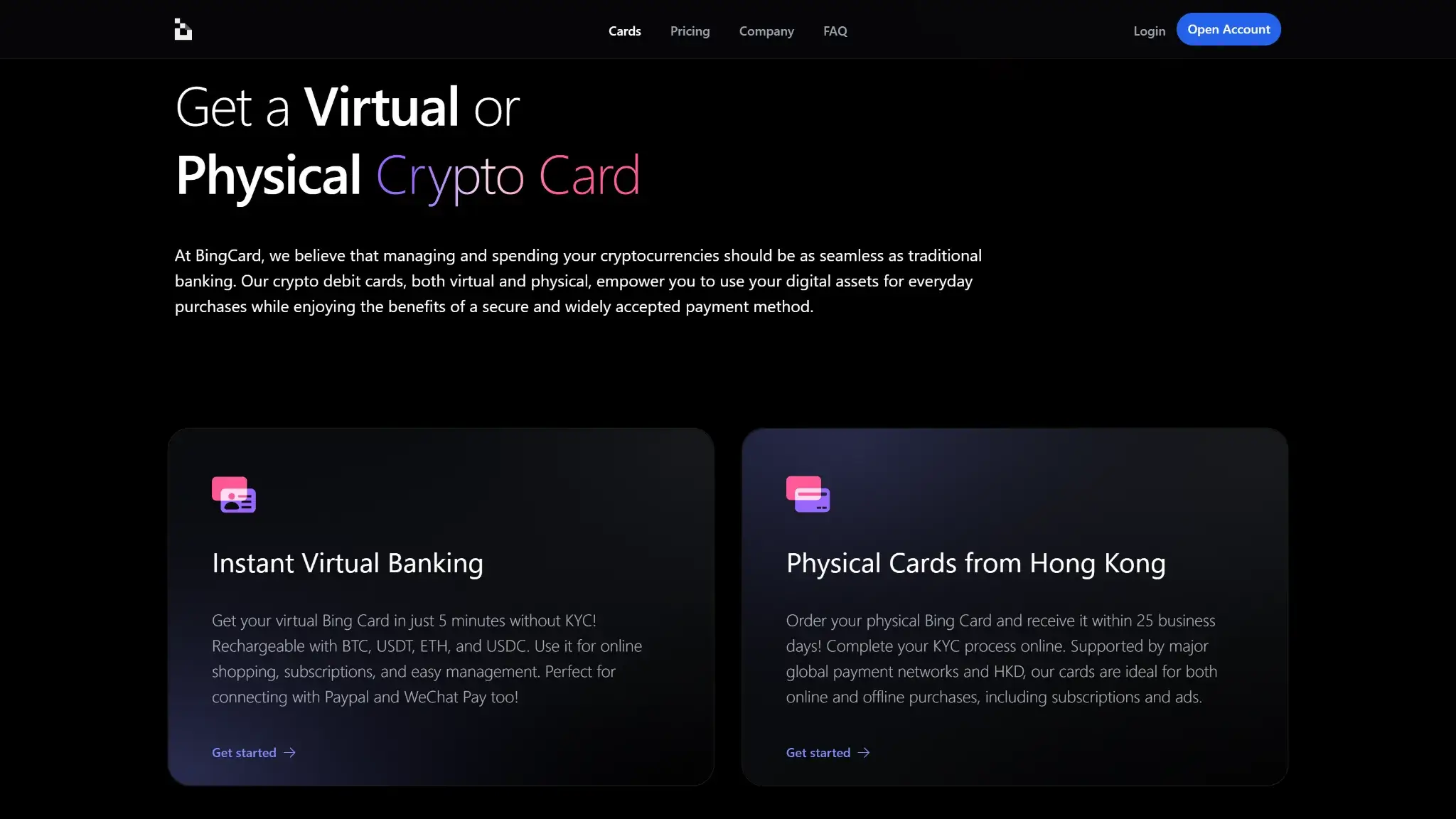
Eligibility and Availability
BingCard accepts new applicants in supported jurisdictions. Its virtual tier issues in about five minutes without photo ID or proof of address, subject to AML screening. The physical Platinum card requires full online KYC and ships from Hong Kong in up to 25 business days. Applicants must be at least 18.
Restricted Countries
BingCard's Terms of Service exclude US citizens and permanent residents, along with entities incorporated in the United States. That is the only exclusion the issuer puts in writing. No list of other unsupported territories is published anywhere on bingcard.com, which leaves every non-US applicant to discover eligibility inside the signup flow.
Funding Rails
On-chain crypto transfers and bank transfers can fund the card, as can debit or credit card top-ups. Each credits an off-chain custodial BingCard balance. Every load carries a 1% deposit fee per BingCard's official tier pages, including stablecoin funding. Loading BTC or ETH creates a disposal when the deposit converts. Subsequent purchases draw on the fiat-side balance without another sale. Loading USDT or USDC sidesteps the conversion spread and, in most jurisdictions, most of the tax paperwork, but still pays the 1% deposit fee. Whether the credited balance then matches what you sent is disputed in user reports, which is the subject of the next section.
Security, Custody and Trust
BingCard holds the loaded balance, while three independent sources record problems accessing funds.
- Trustpilot hosts repeated “avoid” and “scam” reports across roughly 43 reviews. These describe withdrawals sitting in “Processing” for six weeks and longer, deposits credited against a 0.00 balance, and pre-authorized amounts never released. Support responses in these threads redirect users to “request a refund from the merchant” or cite an open “finance team review” before going quiet. One USDT withdrawal request filed Mar. 1, 2026 was reported still unresolved about six weeks later.
- KYCnot.me scores BingCard 4/10 (“Bad”), citing frozen funds, missing deposits, and unresponsive support.
- Gridinsoft assigns bingcard.com a 33/100 trust score on a cluster of weak signals, including vendor blacklisting.

Scamadviser's automated check reads “probably legit,” and the absolute complaint volume is modest. The reports do not establish intent, but recurring problems withdrawing funds matter for anyone considering a prepaid balance.
BingCard's Terms of Service name Queensland Foreign Exchange, Inc. (Canada) and Second February Limited (Seychelles) as the entities operating under those jurisdictions' law, but there is still no named issuing bank, no license number, and no named custodian. The card network is also undisclosed, preventing readers from identifying that counterparty. Treat any loaded balance as exposed to a lightly-accountable counterparty and keep it as small as the purchase allows.
App, Controls, and Support
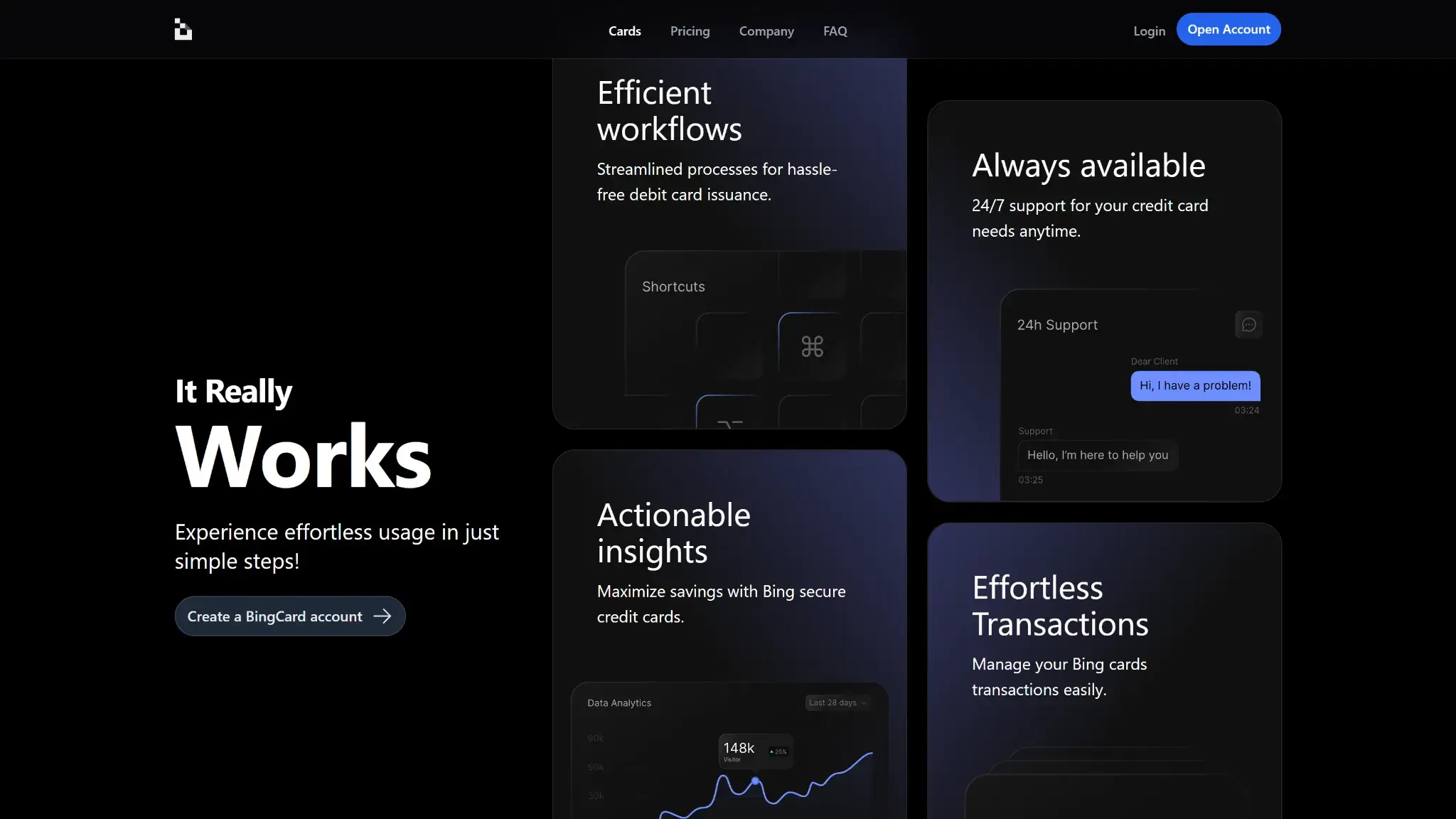
The virtual card issues in about five minutes and handles online payments and subscriptions. Apple Pay and Google Pay remain “Soon” on both tier pages, which rules out tap-to-pay and most in-store use today. The same complaint threads that describe frozen balances also describe cards declining after funding and pre-authorizations that never release, so reliability problems extend past withdrawals into spending itself. Support is repeatedly described as slow or unresponsive on precisely the frozen-balance and stuck-withdrawal cases where speed decides the outcome, and no dispute or chargeback path is documented anywhere.
Tax and Record-Keeping
Transaction reports are available for download inside the account. Because the model is preload, the taxable disposal happens once at top-up, not on every swipe, which keeps records simpler than an auto-sell card. That advantage only holds if deposits reconcile against the credited balance, a point several user reports contest.
Bing Card Alternatives
-


RedotPay
RedotPay lets eligible users preload crypto and spend through its card. Standard has no recurring purchase cashback. Optional Pro adds capped rewards on eligible Apple Pay and Google Pay payments for a...
-

Nexo Card
The Nexo Card runs two spending modes on one Mastercard, and the mode toggle decides what each purchase does. Debit Mode spends the account balance, while Credit Mode draws on a credit...
-

Solcard
SolCard is built around one scarce thing: a virtual Mastercard that issues without any identity check. One brand covers two products — a no-KYC Standard Mastercard, and a Full Access Visa that...
-

Wirex Card
Wirex ended Classic crypto services in the EEA and Australia on June 30, 2026. The legacy EEA app then closed on September 30, with card transactions paused. Classic WXT rewards remain described...
Bing Card offers fast virtual access, but its custody concerns remain. The alternatives below differ in rewards and travel features, with varying levels of issuer disclosure.
| Alternative | Better For | Why Someone Would Choose It Instead | Main Trade-Off |
|---|---|---|---|
| RedotPay Card | Everyday stablecoin spend, stronger card operations | No annual fee, global ATM use, virtual and physical cards, and a more built-out help center make it feel more mature operationally | Full costs still depend on card type and region, and it is not a low-KYC shortcut |
| Nexo Card | Rewards and not selling crypto | Dual debit and credit modes, up to 2% cashback, Apple Pay and Google Pay, and free ATM allowance solve two of Bing Card’s biggest gaps | Full KYC applies, and the best value depends on the Nexo ecosystem and tier status |
| SolCard | Apple Pay / Google Pay use, fast virtual setup, lower-friction online spend | Live Apple Pay and Google Pay and a Platinum tier with 0% top-up fees and no monthly limit. | The virtual tier has a 5% top-up fee and a $5,000 monthly limit, so the best fee path sits on the verified Platinum tier |
| Wirex Card | Travel use and broader card maturity | Apple Pay and Google Pay support, zero FX fees, Cryptoback rewards, and fee-free ATM withdrawals up to a limit make it stronger for international and mixed-use spend | Region-specific terms still matter, and the broader app and plan structure is more complex |
Low-KYC virtual access should be weighed against the reported problems recovering funds. Compare issuer disclosure and wallet support alongside rewards and travel fees.
Final Verdict
BingCard charges issuance fees and cross-border costs without offering purchase rewards. Some ATM and top-up pricing remains undisclosed. More concerning for a custodial prepaid card are reports of frozen or delayed withdrawals across Trustpilot, KYCnot.me and Gridinsoft. Some users describe waiting weeks for access to their funds. The operator also names no issuing bank or card network and provides no license number. Those gaps make BingCard difficult to recommend for holding a balance or relying on for daily spending and travel. Anyone using its virtual tier for a small payment should limit the balance to that purchase and use it promptly. US holders are excluded.

CryptoSlate may earn a commission when you use partner links, at no extra cost to you. Our reviews, ratings, and editorial decisions remain independent of advertisers. Read How CryptoSlate Makes Money for funding details.